
Post on Social Media
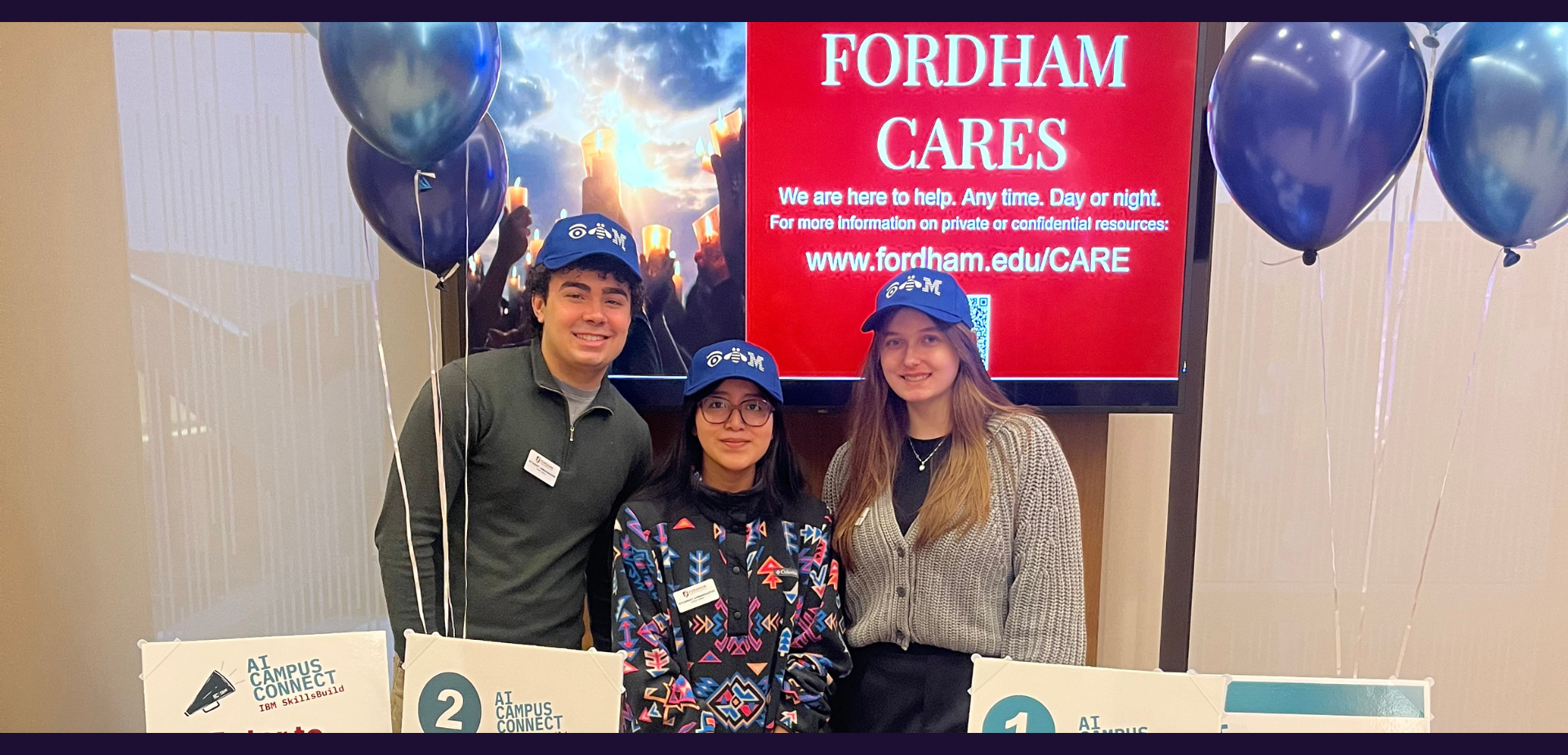
It’s a huge opportunity to be a Student Ambassador with IBM SkillsBuild! Be proud and let your community know your experience!
As part of your role, you will create at least one social media post a month. The easiest way is to post on social media, write an article or create a video. Start by:
Following the program on Linkedin
Setting up your Linkedin profile to showcase your achievement
What channels can I post on to gain points?
Linkedin
Discord
Instagram
Tiktok
Youtube
Medium
Internal University Channels
What to include when you post:
Tag: @Your Big Year, @IBM, @Valinda Kennedy, @Lillian Lei, @Madeline Gonzalez-Allen, and [your school].
Use #: #IBMSkillsBuild #YourBigYear
Always include a Call to Action such as Sign Up for the AI Accelerator and Earn Your First Badge.
What topics should I post about?
Why you joined the Student Ambassador Program with IBM SkillsBuild
Your experience as an Student Ambassador with IBM SkillsBuild
A reflection after attending the monthly Tech Talk
Tips for peers on advancing through SkillBuild badges
Why Artificial Intelligence is a rewarding career path
Fun fact - something interesting you learned about Artificial Intelligence
For inspiration, read stories written by your peers from the IBM Z Student Ambassador program:


Need artwork?
A great post always has something visual. If you don’t have anything to post, here is a Canva link with some social images for you. The Your Big Year team will also send you other images throughout the year.
Check out these templates that you can use! SOCIAL TEMPLATES
Branding


Tips on how to write a great blog
for Medium and LinkedIn
Writing blogs lets you express your thoughts, share experiences, and connect with peers and potential employers. This guide will help you craft an engaging and effective blog post.
-
Generate a list of interesting topics by using mind maps, discussing with friends, and reading other blogs. Save unused ideas for future posts.
-
Select a topic you are comfortable with and create an outline that includes your introduction, main points, target audience, and conclusion.
Always include a Call to Action such as "Sign up to IBM SkillBuild and Earn Your First Badge." Remember to use the correct referral link.
-
Organize your content into short, engaging headings and subheadings to maintain reader interest and structure your narrative effectively.
-
Begin writing your blog, ensuring each heading has at least one paragraph. Focus on covering all aspects of your story, knowing you can edit later.
-
Proofread multiple times to minimize errors. Use tools like Grammarly to assist in catching typos and improving your writing.
-
Include relevant images, graphs, and charts to enhance your blog visually and ensure you have the rights to use them.
-
Incorporate relevant keywords naturally to improve search engine visibility. Ensure your blog remains readable and engaging.
-
Confidently publish your post and promote it on social media platforms using relevant hashtags and tags to reach a wider audience.
-
Continue blogging regularly to improve your skills. Follow the same steps to create your next post and develop your writing proficiency.
-
When reposting content on different platforms, include canonical backlinks to the original post to avoid plagiarism issues and maximize reach. Follow platform-specific guidelines for adding these links.
Tips on how to create a great video
for YouTube
-
What year in school are they? What is their knowledge on mainframe?
What are their Challenges and motivation
-
What is your topic? What is the main message of the video? Write a clear script.
Use a storyboard to organize visuals. (Miro or Canva Whiteboards) are great tools for this.
-
Use good lighting, quiet space, and clean, professional background.
Ensure you have a quality camera and microphone.
-
Speak clearly and at a moderate pace.
Use a friendly and enthusiastic tone.text goes here
-
Use relevant visuals like slides or diagrams. This is where our templates and presentation examples can come in handy!
Ensure the text on the screen is large and readable. (Too much text can distract your audience.)
-
Trim unnecessary parts. Perhaps you broke off into breakout rooms or there were a few minutes of technical difficulties or perhaps there were some parts that were relevant for the live session but not the recording. Whatever it is, editing your video will be beneficial to the overall success of it.
Add transitions, titles, and background music.
Use Intro and Outro slides to brand your video.
-
Create an engaging thumbnail and title. (Think of something catchy to hook your audience and have a quality, enticing thumbnail)
Use relevant keywords in the description and tags.
-
Respond to comments.
Tag relevant people when you post.
Encourage questions and feedback.
-
Share on social media and with your peers with messaging explaining what the video is about.
Create a highlight video or reel to promote it. (Showcase this to your club.)
Encourage sharing among peers.